
Build local visibility with accurate profiles, useful suburb pages and genuine reviews, then measure qualified enquiries and booked work.
By Joshua Reti

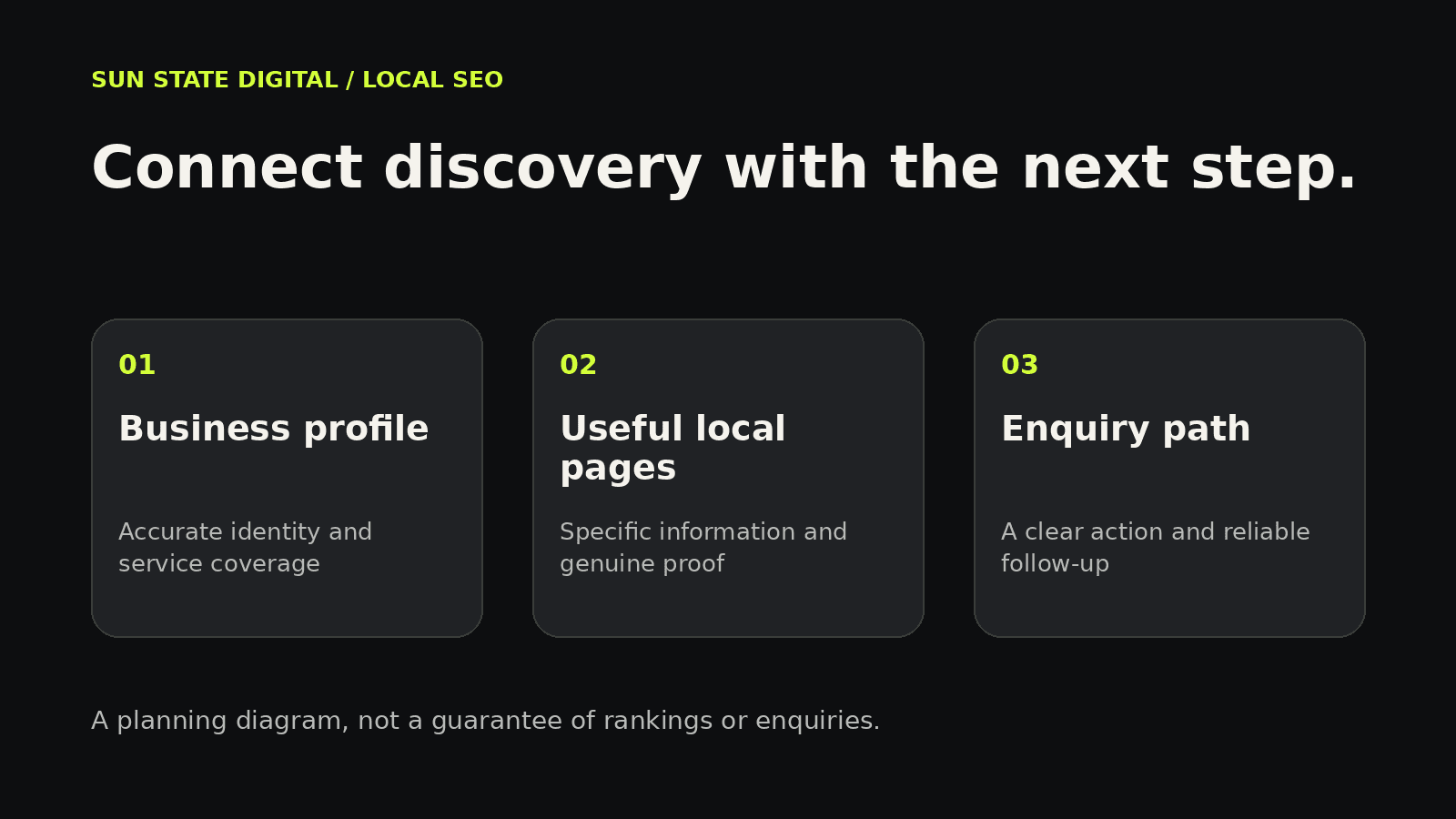
Local SEO helps customers find a business when they search for a service in their area. For a Brisbane service business, the useful starting point is an accurate Google Business Profile, clear service and suburb pages, genuine customer reviews and a website that makes enquiring easy. These work together, but they do different jobs. Your profile supports discovery in Maps, your pages answer specific questions, and your enquiry process turns interest into a conversation. Measure the quality of those conversations alongside visibility.
TL;DR
- Keep your profile accurate and aligned with how your business actually operates.
- Prioritise the suburbs and services you genuinely want to grow.
- Give each priority location page useful, specific information.
- Ask customers for honest reviews and make the next step easy.
- Track search visibility, qualified enquiries and booked work separately.
Our SEO service connects local search content with the pages and enquiry pathways your customers use.
On this page
- Understand the local search journey
- Get your Business Profile foundations right
- Build suburb pages that answer real questions
- Make reviews and proof part of the process
- Connect search visibility to an enquiry
- Measure progress with a practical monthly review
- Your first 30 days
- Frequently asked questions
- Recommended reading
- Sources
Understand the local search journey
Think about what happens when someone searches for a plumber in Chermside or an electrician in Aspley. They want to know whether the business provides the service, covers their suburb and looks trustworthy enough to contact. Your marketing needs to answer those questions wherever the customer lands.
Google explains local ranking through relevance, distance and prominence. Relevance concerns the match with the search, distance concerns proximity, and prominence concerns how well known the business is, including signals such as links and reviews. Complete information helps Google understand your business; you cannot purchase a better organic local ranking.[1]
That gives you a useful boundary for planning. Improve what you can control without treating a single map position as a permanent result. A customer across Brisbane may see a different set of businesses from someone searching near your base. The commercial question is whether your visibility is bringing enquiries you can genuinely serve.
Get your Business Profile foundations right
Start with the basics: real business name, appropriate categories, current contact details, opening information and an accurate description of what you do. Check these against your website. A customer should not need to decide which phone number or service description is correct.
Your address setup must reflect how you operate. Google's guidelines distinguish businesses that receive customers at a location from businesses that travel to customers. A service-area business should hide its address from customers; a virtual mailing office is not an eligible location simply because it has a convenient postcode.[2]
Give one person responsibility for checking the profile and recording meaningful changes. Keep real photos of your work, team or premises organised so you can choose images that help someone understand the business. If the profile has an access, verification or suspension issue, treat that as a separate operational task. Publishing more marketing content does not resolve it.
Build suburb pages that answer real questions
Dedicated service and location pages can be a valuable part of a local strategy. Start with a manageable set of priority suburbs based on actual coverage, customer demand and the work you want. You do not need to build every possible service-and-suburb combination at once.
A page targeting “plumber Chermside” should explain that service in that location. Use a specific title, clear heading, relevant copy and a useful enquiry path. Add genuine local work or photos where available, accurate coverage information and questions your team regularly answers. Write image descriptions and alt text around what the image actually shows.
Keep a consistent design while making the information meaningfully specific. Do not invent local projects, response times or offices. Google's doorway-abuse policy addresses substantially similar pages created to funnel searches elsewhere without providing a useful destination.[4] The practical response is to make each location page a complete, useful page within a browsable service-area structure.
Also check the technical foundations. Pages should be accessible, linked from relevant parts of the site and readable on mobile. Suitable LocalBusiness structured data can help describe business information, but Google does not guarantee a particular search appearance.[5] Markup supports accurate content; it cannot supply missing evidence.
Make reviews and proof part of the process
Build a simple review request into your normal customer experience after a suitable service milestone. Assign the request to someone, make it easy to leave feedback and let customers describe their own experience. Google provides review links and QR codes, and prohibits incentives for posting, changing or removing reviews.[3]
Review replies should be considerate and relevant. Alongside reviews, show genuine work, explain your process and answer the questions a customer needs resolved before contacting you. A renovation business might explain the enquiry and assessment steps. A service technician might clarify what information to have ready when calling.
Use proof where it supports a decision. A visitor comparing services benefits from relevant examples near the service description, rather than a collection of unrelated claims at the bottom of the page. Keep permission, privacy and accuracy in mind when publishing customer information or project images.
Connect search visibility to an enquiry
Visibility earns the opportunity to be considered. The page then needs to make the next action clear. Explain the service, who it is for, where it is available and what happens after the customer contacts you. Give them a working call button or a straightforward form.
Test the complete journey on a phone. Submit an enquiry, check that it reaches your team and confirm someone owns the follow-up. A recorded button click is useful diagnostic information, but it is not proof that a customer reached you or booked.
Our guide to conversion rate optimisation explores that journey in more detail. If the page itself is creating friction, website design and enquiry handling belong in the same improvement plan as SEO.
Measure progress with a practical monthly review
Search Console reports clicks, impressions, click-through rate and average position, with views such as queries, pages and devices.[6] Use that information to review which pages are being discovered. Keep the date ranges consistent and distinguish your business-name searches from service searches.
Then add the business outcomes your website report cannot establish alone. Record the enquiry's service, suburb, source where known, qualification and booked outcome. Our marketing ROI tracking guide explains why connecting marketing activity with outcomes matters.
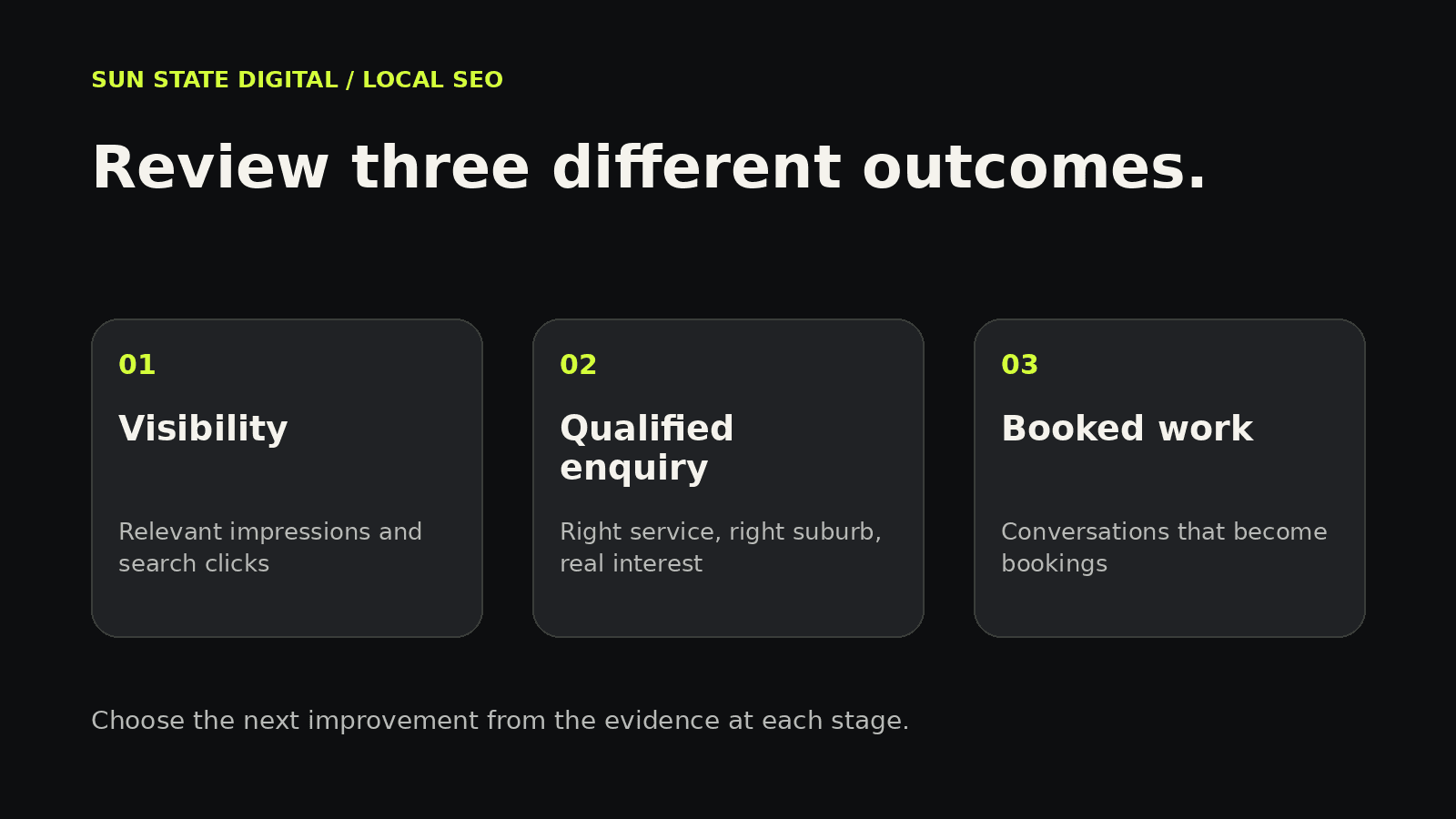
- Visibility: Are relevant service pages receiving impressions and clicks?
- Fit: Are enquiries for work and suburbs you actually serve?
- Conversion: Are those enquiries becoming conversations and bookings?
- Action: Which specific issue should the team improve next?
If you also need immediate demand while organic work develops, consider the decision factors in SEO versus Google Ads. Choose the channel mix around your goals and capacity rather than assuming one approach fits every business.
Your first 30 days
Week one: Check your profile, contact information, actual service coverage and enquiry delivery. Save a baseline of available search and enquiry data.
Week two: Choose a small group of commercially relevant suburbs. Review existing pages before creating new ones, so each search intent has a clear destination.
Week three: Improve the highest-priority page, add genuine supporting proof and establish a consistent review-request process.
Week four: Review discovery, lead quality and follow-up. Record completed changes and the next priority. This is a practical work plan, not a promise of ranking improvements within 30 days.
Frequently asked questions
Do I need a page for every Brisbane suburb?
Start with priority suburbs you genuinely serve. Expand when you can provide useful, specific content and manage it properly. A focused set of strong pages gives you a clearer foundation to review.
Can a service-area business use local SEO?
Yes. Your website can explain the areas you serve, while your Business Profile needs to follow Google's rules for your actual operating model.[2]
Will reviews guarantee a top map position?
No. Reviews can support prominence, but relevance and distance also matter. Avoid judging the strategy by a guaranteed position that nobody can reliably promise.[1]
Should I offer a discount for a Google review?
No. Google's review guidance prohibits incentives for reviews. Ask for honest feedback without tying it to a reward.[3]
How do I know whether local SEO is helping?
Review relevant search visibility alongside qualified enquiries and booked outcomes. Keep records consistent, investigate changes and allow enough evidence before drawing conclusions.
If you want a clearer local growth plan, talk to Sun State Digital about your priority services, suburbs and current enquiry process. We can help connect the search strategy with what needs to happen after someone finds you.
Recommended reading
- Conversion rate optimisation: get more from the traffic you already have
- SEO vs Google Ads: which one should you choose first?
- Marketing ROI tracking: the formula and the fixes
Sources
Primary guidance checked 9 October 2026.
- Google Business Profile: Tips to improve your local ranking on Google. Supports the local ranking factors and accurate profile information.
- Google Business Profile: Guidelines for representing your business on Google. Supports business identity, location eligibility and service-area address guidance.
- Google Business Profile: Tips to get more reviews. Supports review links, QR codes and restrictions on incentives.
- Google Search Central: Spam policies for Google web search. Supports the distinction between useful location content and doorway abuse.
- Google Search Central: LocalBusiness structured data. Supports business markup and the limits of search appearance guarantees.
- Google Search Console: Performance report overview. Supports search metrics and query, page and device analysis.